Quick answer
Once LTO-NCR marks your plate, license, or CR as ready, delivery is often handled by a third-party courier such as GoGo Xpress, 2GO Express, Go21, or Lalamove rather than LTO staff directly. The courier issues its own separate tracking reference, which is different information from your LTO status and must be tracked through the courier's own system, not through LTO Tracker.
Two Different Kinds of Tracking

This is the single most important thing to understand about delivery: LTO's status and your courier's delivery status are two entirely separate pieces of information, tracked through two entirely separate systems.
LTO status (what LTO Tracker's checker shows) tells you whether your item has been produced and released for delivery or pickup. This is a production and release status, not a shipping status.
Courier status tells you where your item physically is in the delivery process, picked up from LTO, in transit, out for delivery, or delivered. This information only exists once your item has actually been handed to a courier, and it lives entirely within that courier's own tracking system, not LTO's.
Courier Partners You May Encounter
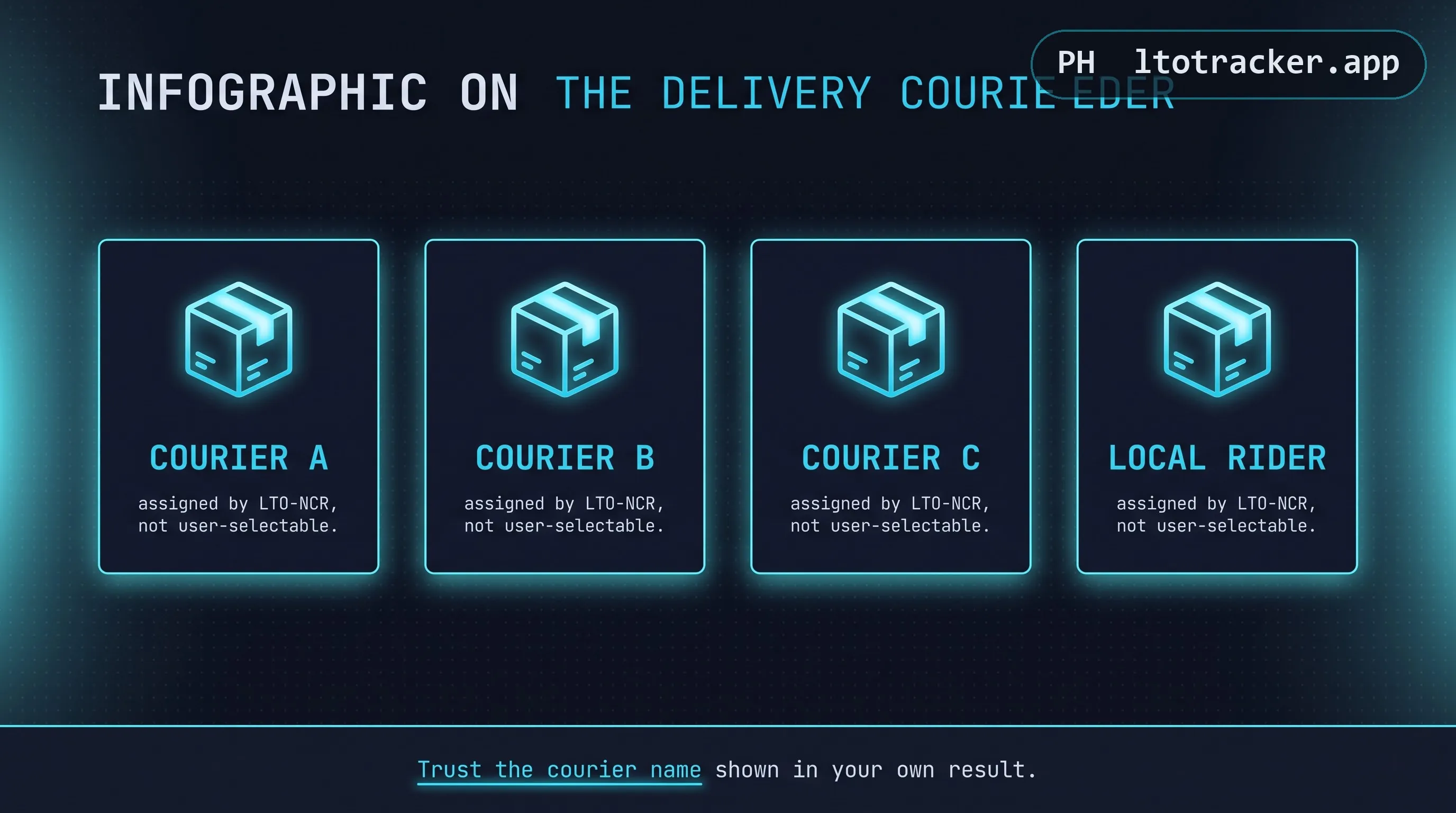
GoGo Xpress. One of the more frequently mentioned delivery partners for LTO-NCR plate and card releases in recent periods. Once your item is handed to GoGo Xpress, they issue their own tracking reference, checkable through their own customer-facing tracking tools.
2GO Express. A long-established Philippine logistics company also used for LTO document and plate delivery at various points. 2GO issues its own waybill number for tracking, separate from any LTO reference number.
Go21 and Lalamove. Used at various points for more localized, time-sensitive last-mile delivery within Metro Manila.
Which courier handles your specific delivery is determined entirely by LTO-NCR and your registering office, not something you can select or request. LTO periodically changes or adds courier partners as contracts change, so the courier active today may differ from what older guides or forum posts describe. Always trust the courier name shown in your own current result over outdated information found elsewhere.
How to Track Your Courier Delivery
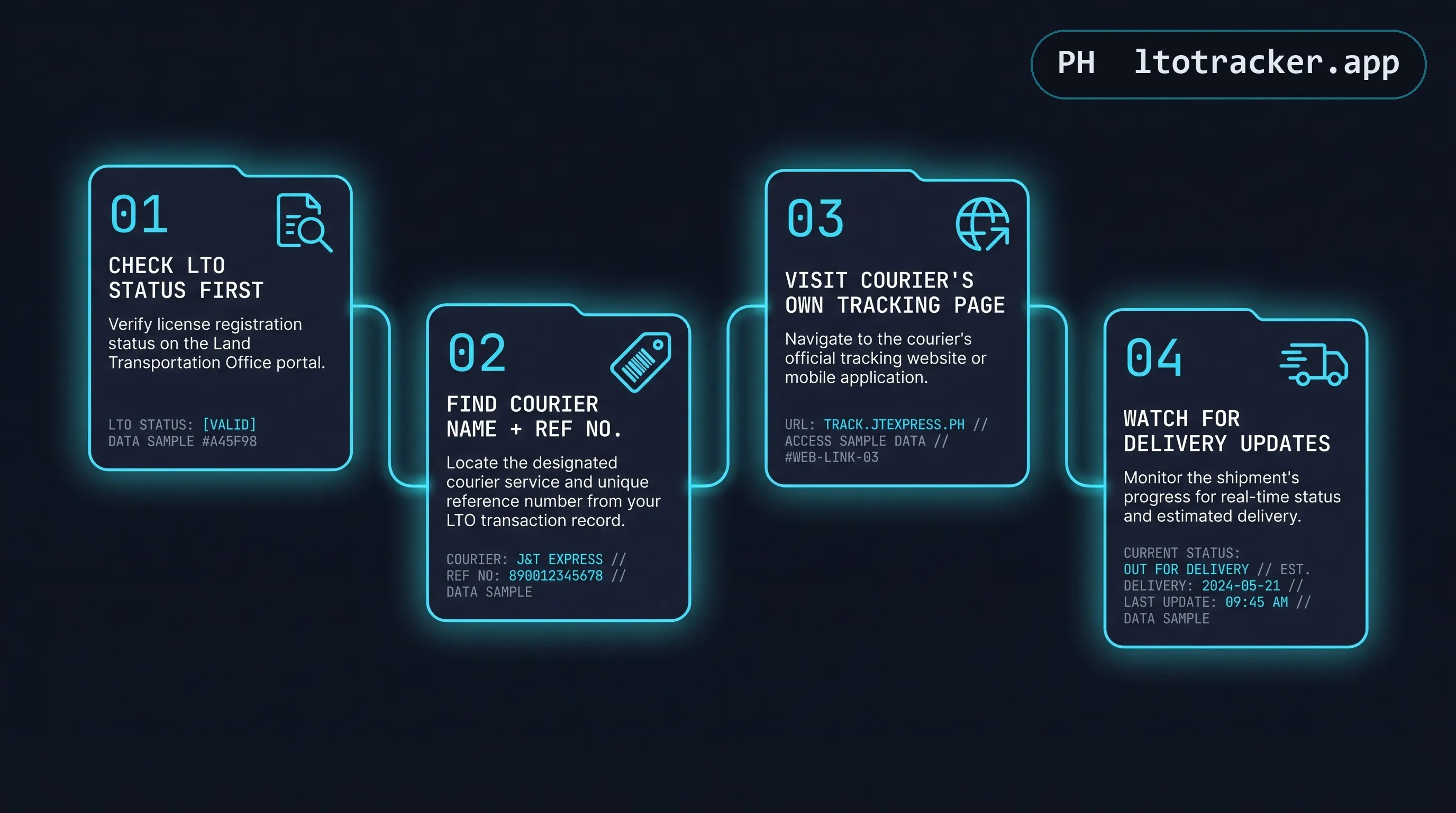
- Check your LTO status first using the homepage checker to confirm your item has been released.
- Look for a courier name and tracking reference in your result or communicated by your registering office.
- Visit that specific courier's own tracking page and enter the reference number they provided, not your MV File Number or plate number.
- Watch for delivery-specific status updates like "out for delivery" through the courier's own system, since this level of detail is not available through the LTO checker.
If No Delivery Option Appears
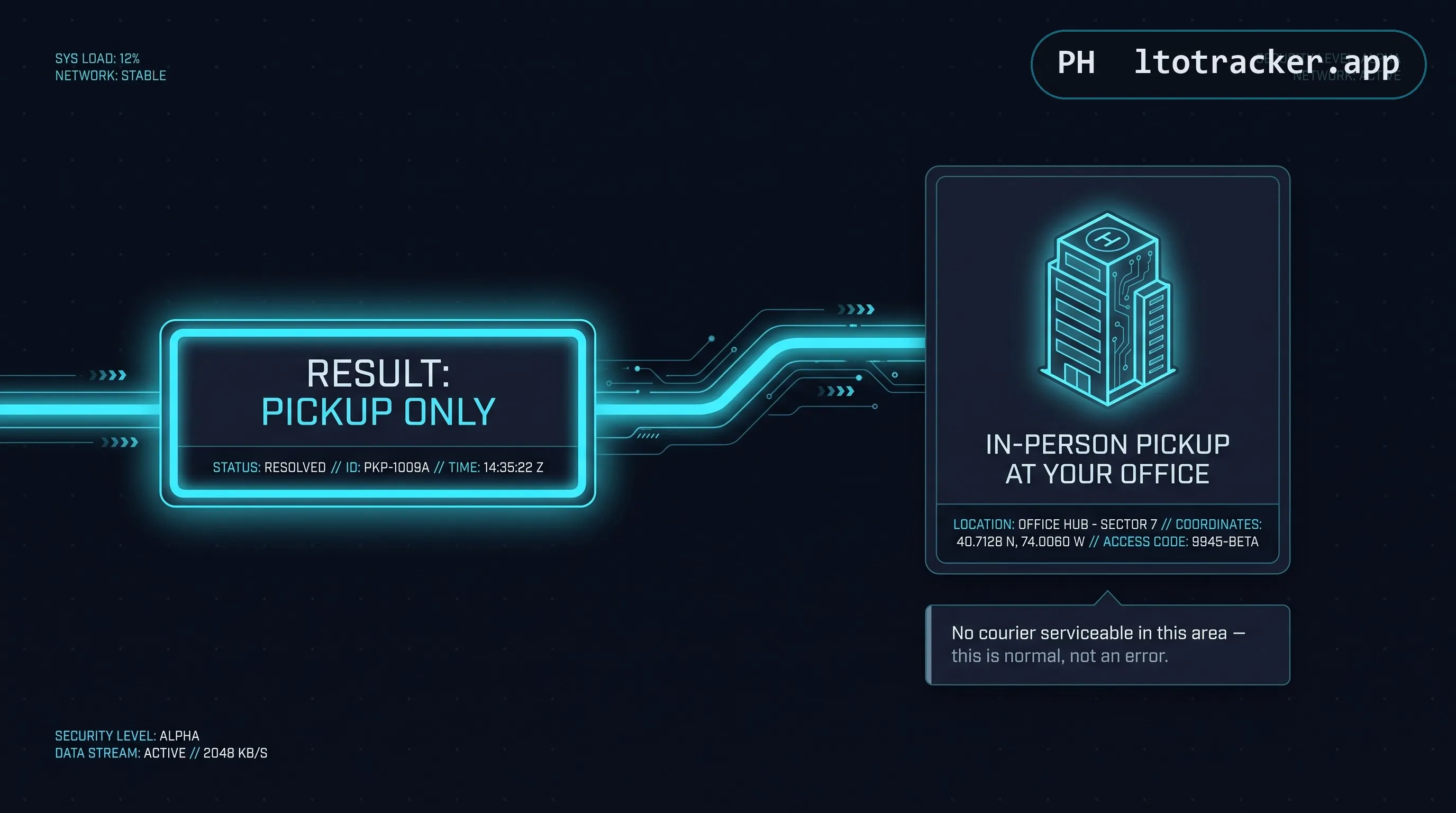
If your result only shows a pickup option with no courier or delivery information at all, your batch was not assigned a delivery courier, typically because your registering office or address falls outside a courier's current serviceable area. In this case, in-person pickup at the office indicated in your result is the only route to claiming your item, and no courier tracking will ever appear for that item.
Common Points of Confusion
"My LTO status says released but I have no tracking number yet." This is a normal short gap. There is typically a brief internal handoff window between LTO marking an item released and the courier formally receiving it and generating a tracking reference. Check back in a day or two.
"The courier's tracking says delivered but I never received anything." This is a courier-side delivery issue, not an LTO issue, and should be raised directly with that specific courier's customer service using your waybill or tracking reference.
Haven't checked your LTO status yet? Start at the homepage checker before looking for a courier tracking number.